Photo Culling Software for Mac Compared: Choose by Workflow
The best photo culling software for Mac depends on where your shoot actually slows down. Similar-photo grouping, face assessment, card ingest, metadata, and RAW exposure inspection solve different problems, so this guide compares workflows instead of declaring one universal winner.
Disclosure: CullBench publishes this guide. The comparison uses the official product sources linked below and current CullBench behavior. We have not independently benchmarked every product, and vendor performance claims are not treated as verified results. There are no affiliate links.
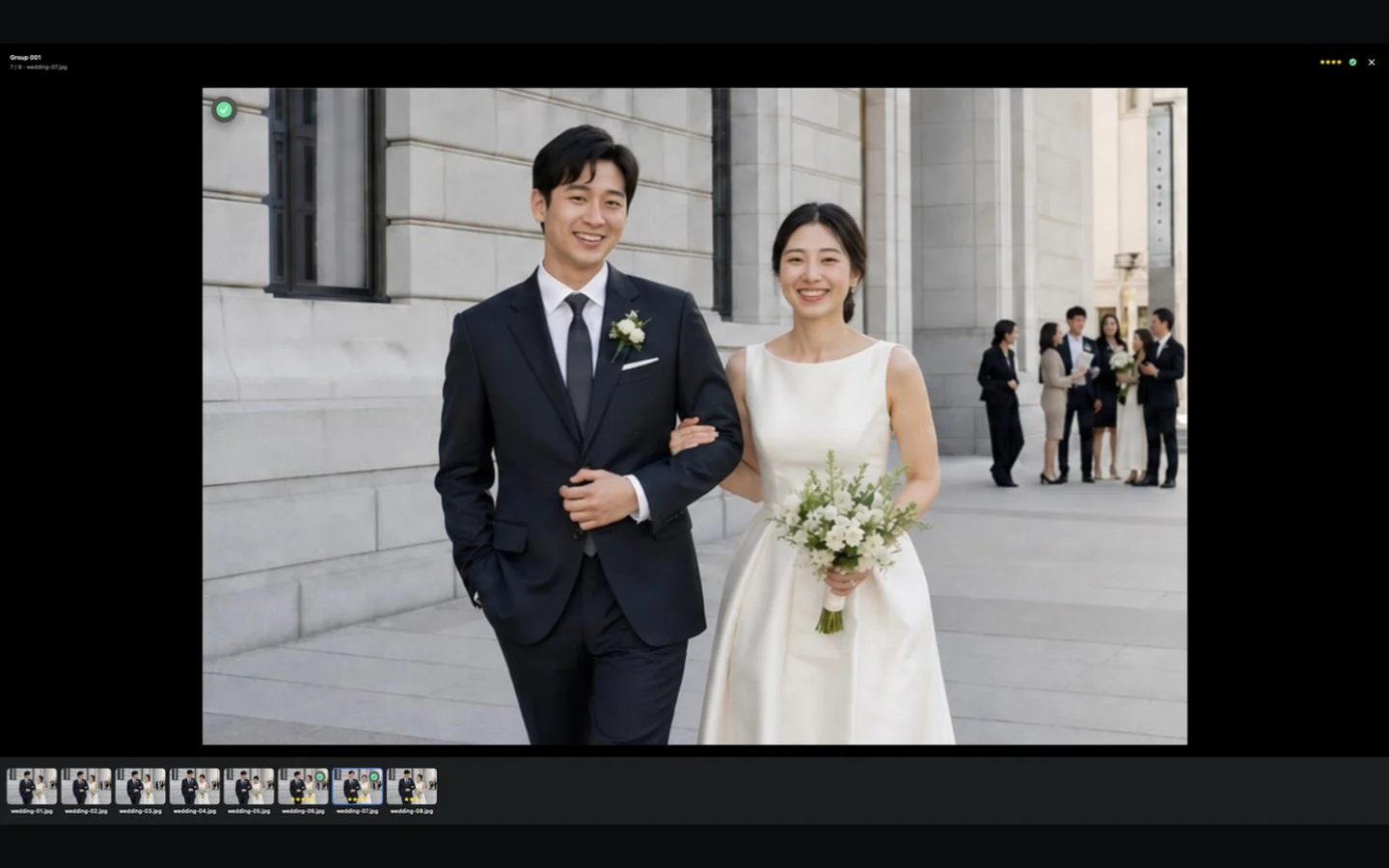
- Products
- CullBench, Photo Mechanic, Narrative, Aftershoot, OptiCull, and FastRawViewer
- Comparison
- Workflow fit, review assistance, local behavior, and handoff
- Sources
- Official product information reviewed August 9, 2026
- Pricing
- Excluded because plans, promotions, and regional prices change
Start with the job you need to finish
Photo culling tools overlap, but their centers of gravity differ. Photo Mechanic begins with ingest, fast browsing, and metadata. Narrative and Aftershoot add stronger AI assistance around faces, focus, expressions, and first-pass selection. FastRawViewer concentrates on judging RAW capture data. OptiCull combines on-device scenes, face checks, comparison, and ingest on Mac. CullBench concentrates on local folder access, similar-moment grouping, and keyboard review without automatic rejection.
That means a feature count is less useful than a bottleneck. A news photographer racing to caption and transmit has a different problem from a wedding photographer comparing expressions, or a landscape photographer deciding whether clipped highlights are recoverable in RAW.
- Choose ingest and metadata depth when the deadline starts at the card.
- Choose face and focus assistance when expressions dominate the first pass.
- Choose RAW inspection when exposure and recoverable detail drive the decision.
- Choose similar-moment grouping when finding related angles and poses is the slow step.
Mac photo culling software at a glance
This table describes each product's current public workflow, not a speed ranking. “Local” also needs context: a desktop app may process photos on the computer while still using accounts or network services for licensing, updates, or optional features. Read each vendor's current privacy and product documentation before using client work.
| Product | Best fit | Review approach | AI role | Handoff and limits |
|---|---|---|---|---|
| CullBench | Local similar-moment review on Apple Silicon Macs | Opens a folder directly; groups related angles, poses, and nearby frames; keeps Ungrouped visible | Organizes the review but does not auto-reject or choose a winner | Copies selected originals or uses AirDrop; no XMP or direct Lightroom/Capture One handoff yet |
| Photo Mechanic | Fast ingest, browsing, captioning, IPTC, and deadline delivery | Contact-sheet browsing with rating, organization, metadata, and export tools | Official positioning centers photographer-driven culling rather than AI scene ranking | Designed to work with other post-processing tools; not positioned as an AI similar-group assistant |
| Narrative | Wedding and portrait review where faces and expressions matter | Scenes, Close-ups, people filters, and image assessments | Assesses eyes and focus, ranks scene frames, and can filter potential picks | Ships selections into editing workflows; broader AI editing features are part of the product |
| Aftershoot | High-volume photographers who want assisted or automated first passes | Groups duplicates and flags blur, closed eyes, exposure issues, and other quality signals | Offers automated, assisted, and manual culling modes | Exports to Lightroom Classic, Capture One, or local storage; also spans editing and retouching |
| OptiCull | Mac users who want on-device scenes, face checks, and side-by-side comparison | Scenes, close-ups, synchronized zoom, survey mode, and external-drive ingest | Can flag blur and blinking, auto-rate, and select keepers according to preferences | Exports toward Lightroom or Capture One; its closest features extend beyond CullBench's conservative grouping scope |
| FastRawViewer | RAW shooters who prioritize exposure, focus, and capture-data inspection | Direct RAW rendering, RAW histogram, highlight/shadow inspection, focus tools, ratings, and labels | Technical inspection rather than AI similar-moment grouping | Writes XMP adjustments for Adobe workflows; comparison is centered on RAW quality rather than people assessment |
Choose by workflow, not by the longest feature list
Photo Mechanic is the clearest fit when card ingest, metadata, code replacements, and rapid delivery are the core job. FastRawViewer is the specialist when the first decision must be grounded in RAW exposure and focus evidence. Those workflows can sit before an editor without trying to automate taste.
Narrative, Aftershoot, and OptiCull are stronger candidates when face close-ups, blink or focus signals, and AI-ranked alternatives are central. They differ in how much automation they offer and how broad the surrounding editing workflow becomes, so evaluate whether assistance saves time or adds another review layer.
CullBench is narrower. It is for photographers who want to open an existing folder, have related moments placed together locally, keep every file visible, and make the actual Pick and rating decisions themselves. Narrower can be useful when predictability and a small decision vocabulary matter more than automatic selection.
Where CullBench fits, and where it does not
CullBench currently works best for Apple Silicon photographers whose main delay is finding nearby variations across a wedding, event, portrait, travel, or burst-heavy folder. It needs no CullBench account, does not import a permanent catalog, and keeps visual analysis on the Mac. The reviewer can move continuously across groups, Pick with Space, make a second pass in Picked or Rated, and export original files.
It is not the strongest choice when you need automated winner selection, face close-ups, blink detection, XMP metadata handoff, deep IPTC captioning, Windows support, or a complete edit-and-retouch platform. RAW support depends on macOS decoding, and the local runtime makes the App Store download comparatively large. Those are product boundaries, not hidden settings.
Run the same 20-minute evaluation on every candidate
Use a backed-up copy of one representative shoot rather than a polished demo folder. Include a burst, a portrait sequence, an establishing frame, one technically difficult RAW, and several one-off photographs. Keep the source and target result the same for every tool.
- 01
Measure time to useful review
Start when the folder or card is selected and stop when you can navigate real previews without waiting for the whole shoot to finish.
- 02
Find one complete moment
Check whether all relevant angles and expressions are easy to reach, and whether unrelated frames are kept out without hiding uncertain photos.
- 03
Make a first and second pass
Mark broad candidates, then review only those choices. Count how often you fight the tool's categories or need to recover a hidden frame.
- 04
Inspect the decisive detail
Test the face, focus, exposure, or RAW evidence that matters in your genre instead of judging thumbnail speed alone.
- 05
Complete the handoff
Confirm that filenames, originals, ratings, labels, sidecars, and destination behavior match the next application in your workflow.
Official sources and verification date
Product capabilities change. The comparison above was checked against these official pages on August 9, 2026. Follow the links for current system requirements, pricing, privacy terms, and release details before making a purchase decision.
- CullBench on the Mac App Store
Current CullBench listing, system requirements, privacy label, trial, and Lifetime Pro information.
- Photo Mechanic by Camera Bits
Official overview of ingest, fast viewing, culling, metadata, and export workflows.
- Narrative Select
Official AI-assisted culling page covering Scenes, Close-ups, face assessments, and editor handoff.
- Aftershoot Selects
Official assisted and automated culling workflow, duplicate grouping, quality signals, and export details.
- OptiCull on the Mac App Store
Official listing for on-device scenes, comparison tools, AI assessment, ingest, and workflow support.
- FastRawViewer
Official RAW viewing, technical inspection, rating, XMP, and workflow documentation.