Open a photo folder
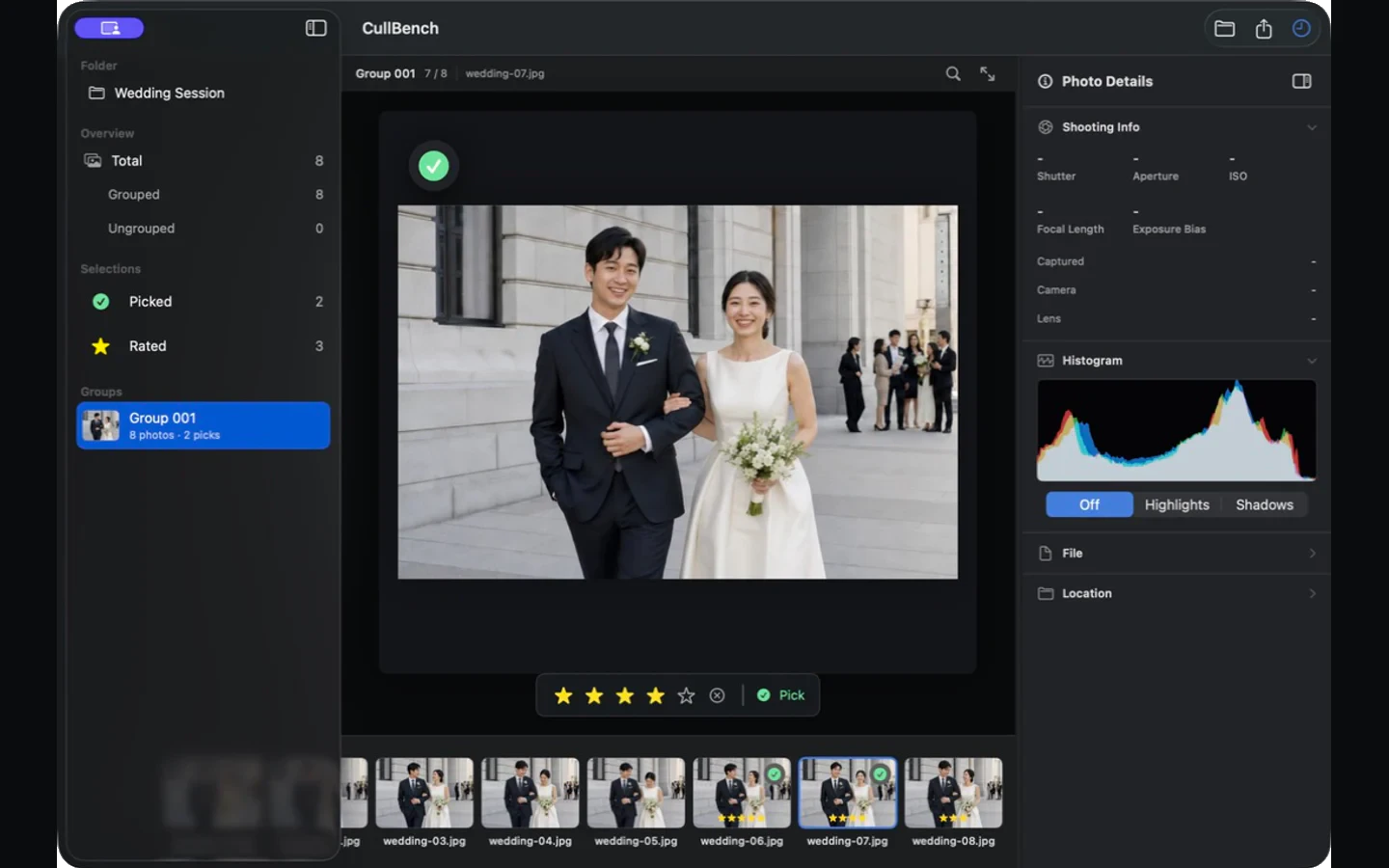
No copied originals and no catalog import. Choose a shoot folder and begin browsing while analysis runs.
Similar moments, together. Decisions, faster.
Open a photo folder directly, with no import. CullBench organizes similar frames on your Mac so you can complete first pass, final selection, and export with the keyboard. You always make the final decision.
Start from the folders you already use
Photo content stays on your Mac
AI organizes; the photographer chooses
Two personal Macs · All 1.x updates
CullBench does not build a large catalog or replace your editor. It focuses on the first decisions after a shoot and the second pass from selections to finalists.
No copied originals and no catalog import. Choose a shoot folder and begin browsing while analysis runs.
Different angles, poses, and consecutive frames stay together. Navigate with arrows, Space, and number keys.
Narrow the Picked and Rated collections, then copy originals to a folder or send them with AirDrop.
Bursts, repeated compositions, and frames with a changed angle or pose are organized as groups. Related candidates are no longer scattered across the shoot.
Grouping accelerates comparison; ungrouped photos always remain available.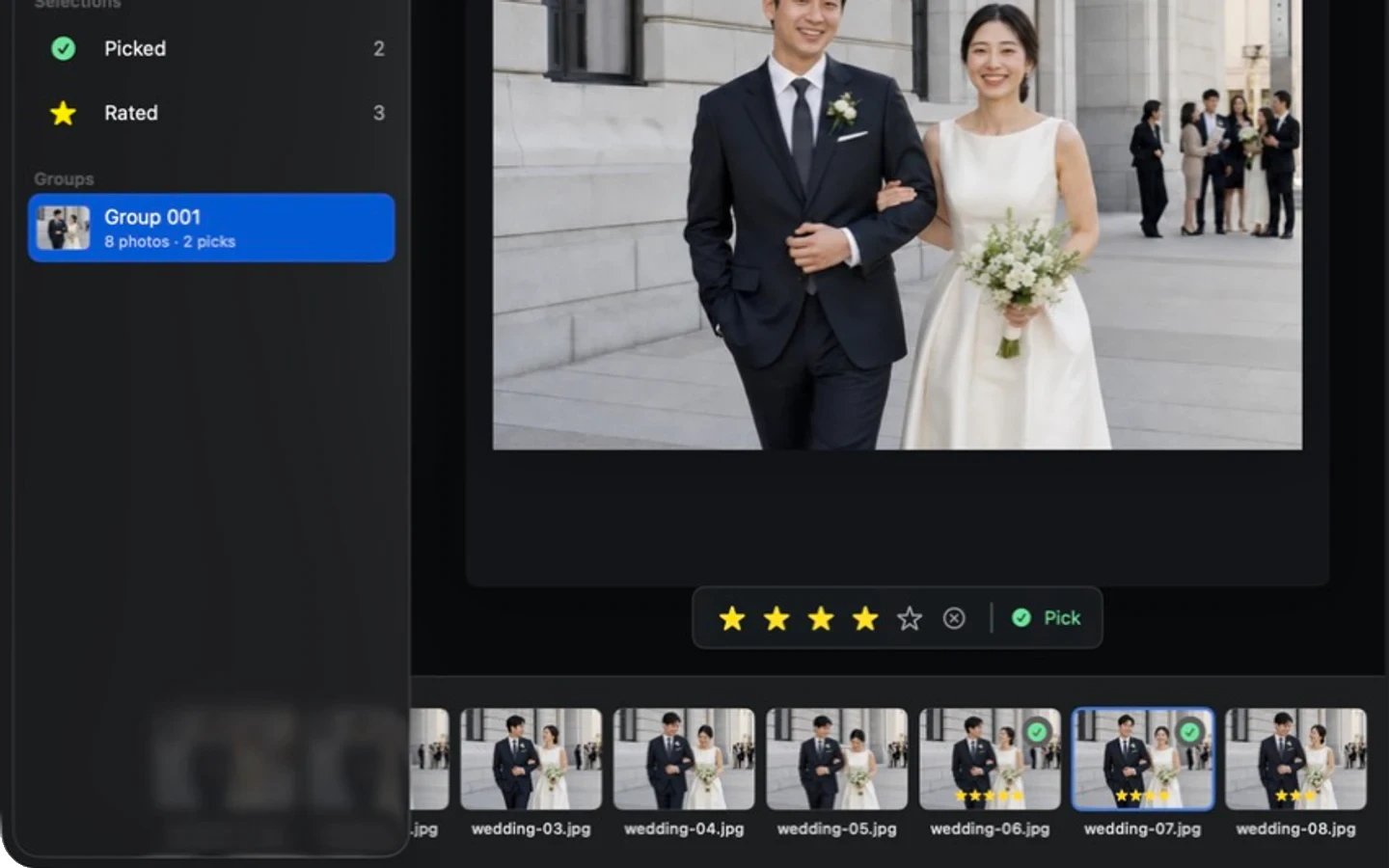
Move continuously across photos and groups with arrow keys, toggle Pick with Space, and rate with number keys. Current state stays close to the image.
Decisions are stored locally so the same folder can resume later.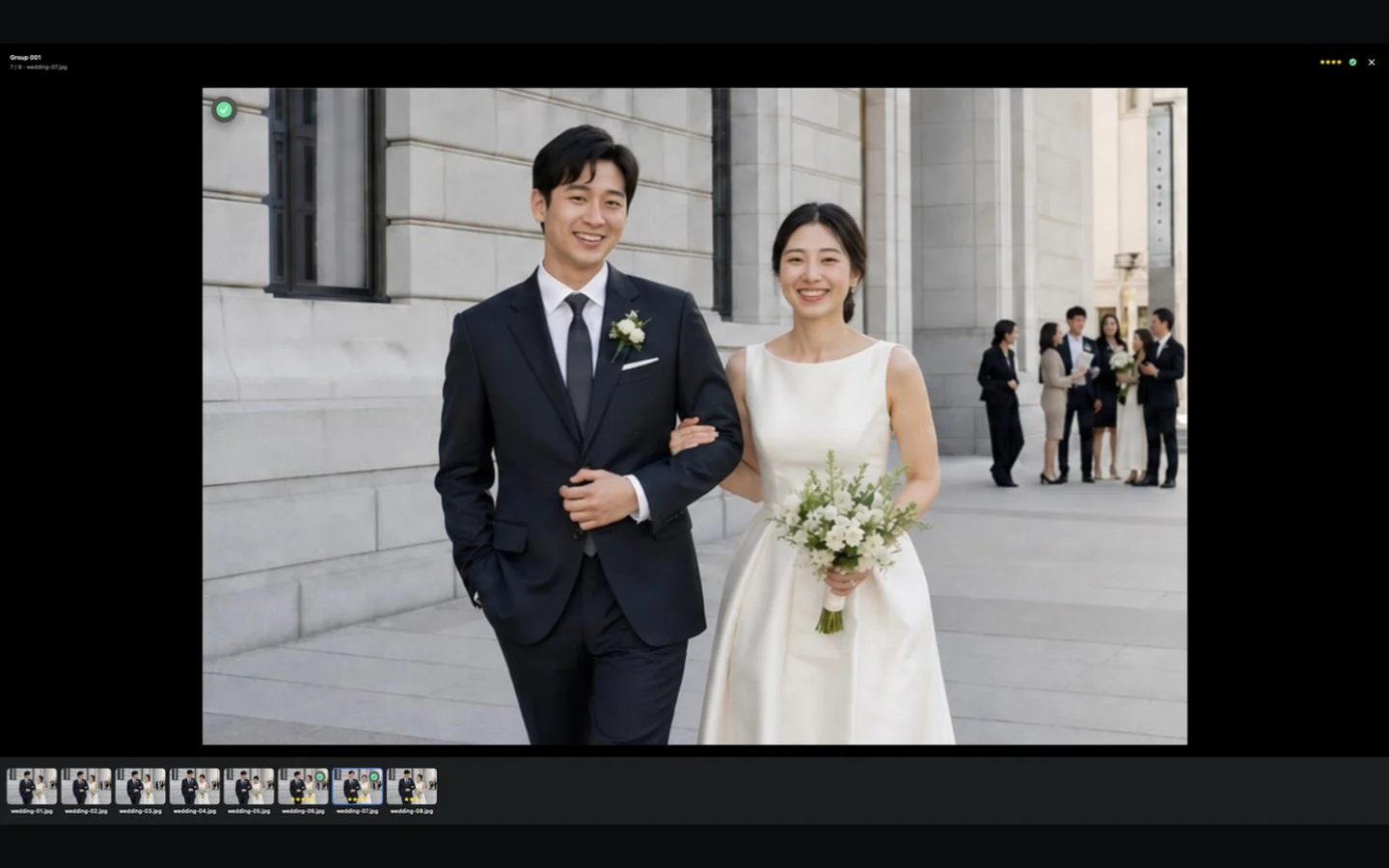
Picked and Rated are collections you can review directly. Removing a mark moves the photo at a considerate moment instead of interrupting the flow.
CullBench clarifies the candidate set; it does not replace your aesthetic judgment.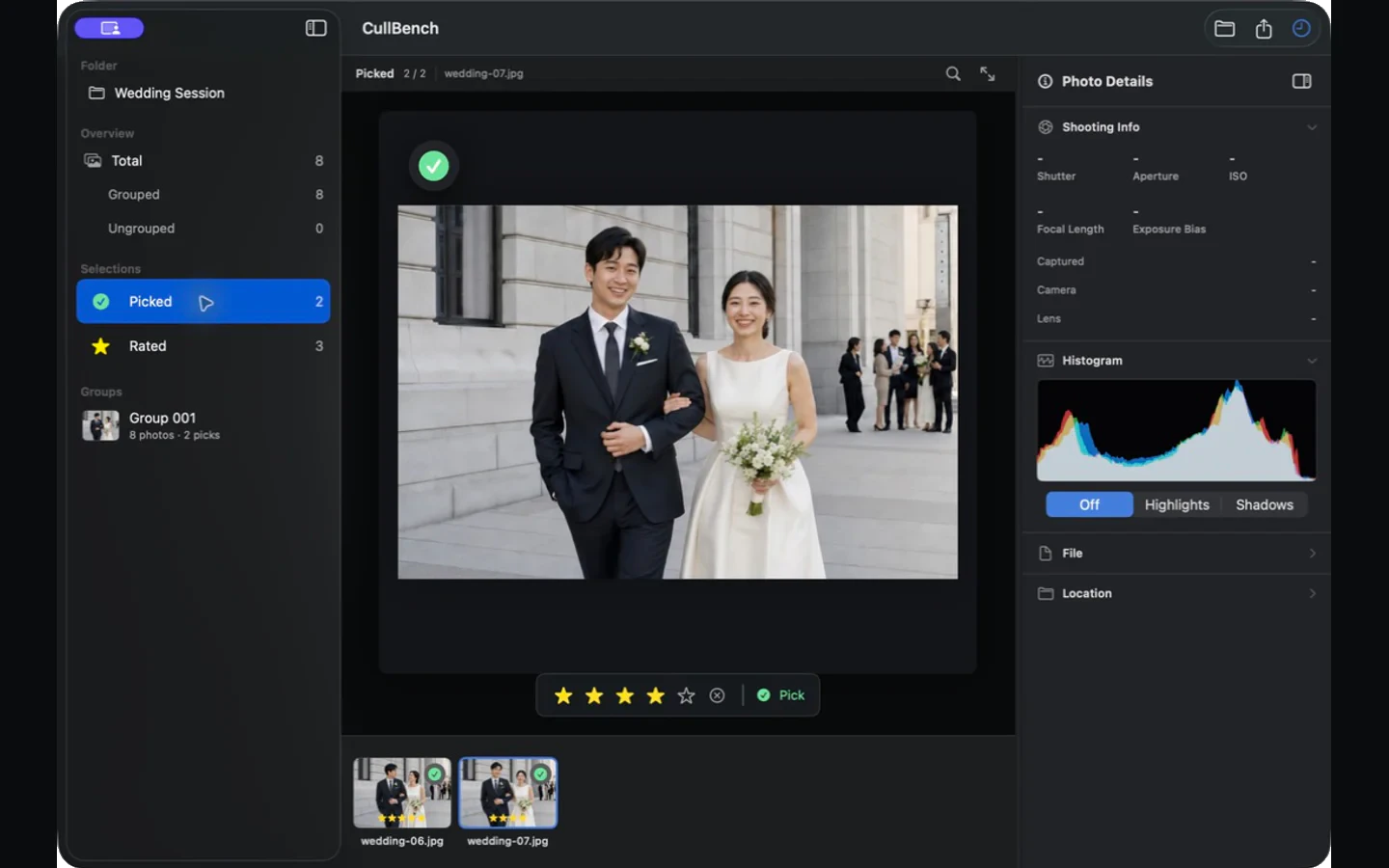
Copy selected originals to a clear destination or send them through AirDrop. RAW remains RAW; culling does not become editing.
Duplicate names are skipped safely instead of creating extra copies.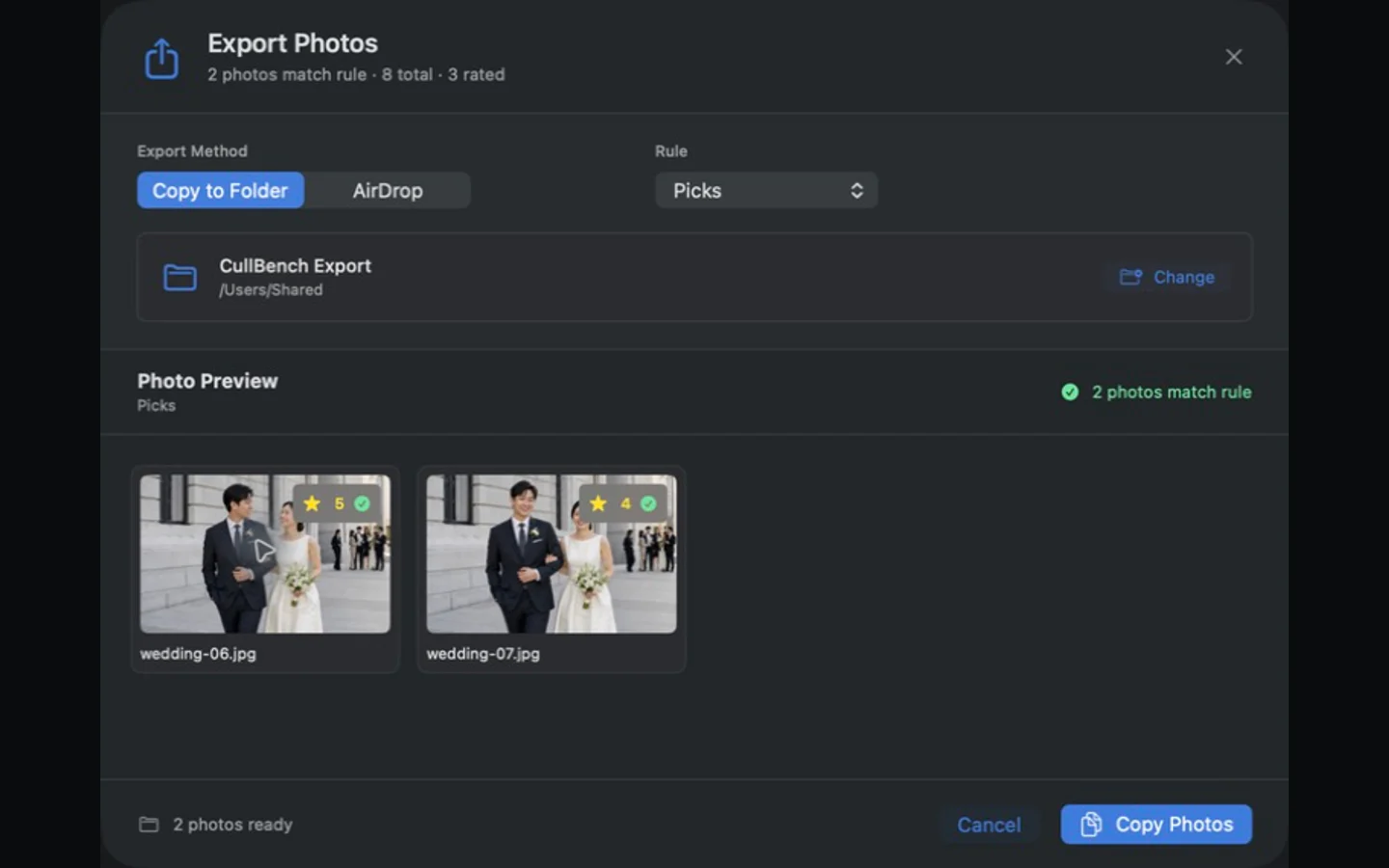
CullBench serves photography that produces many related frames, not one prescribed visual style.
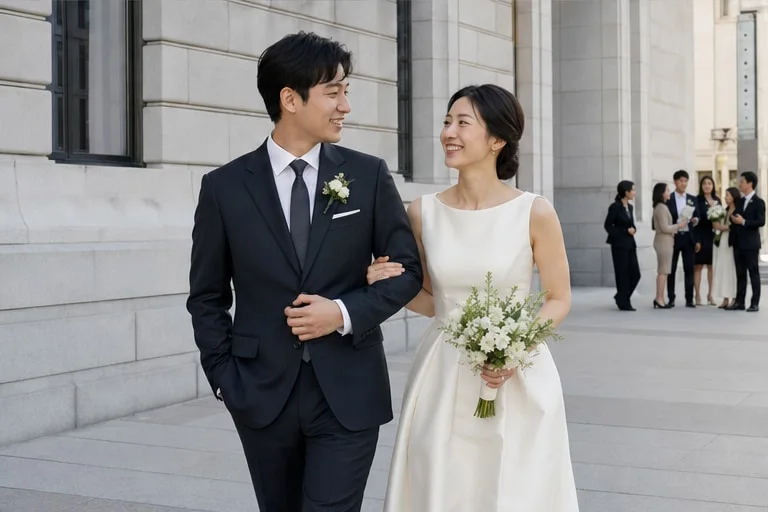
Keep consecutive gestures and expressions together instead of searching across an entire shoot.

Open a folder and complete the first pass with the keyboard when delivery time is short.
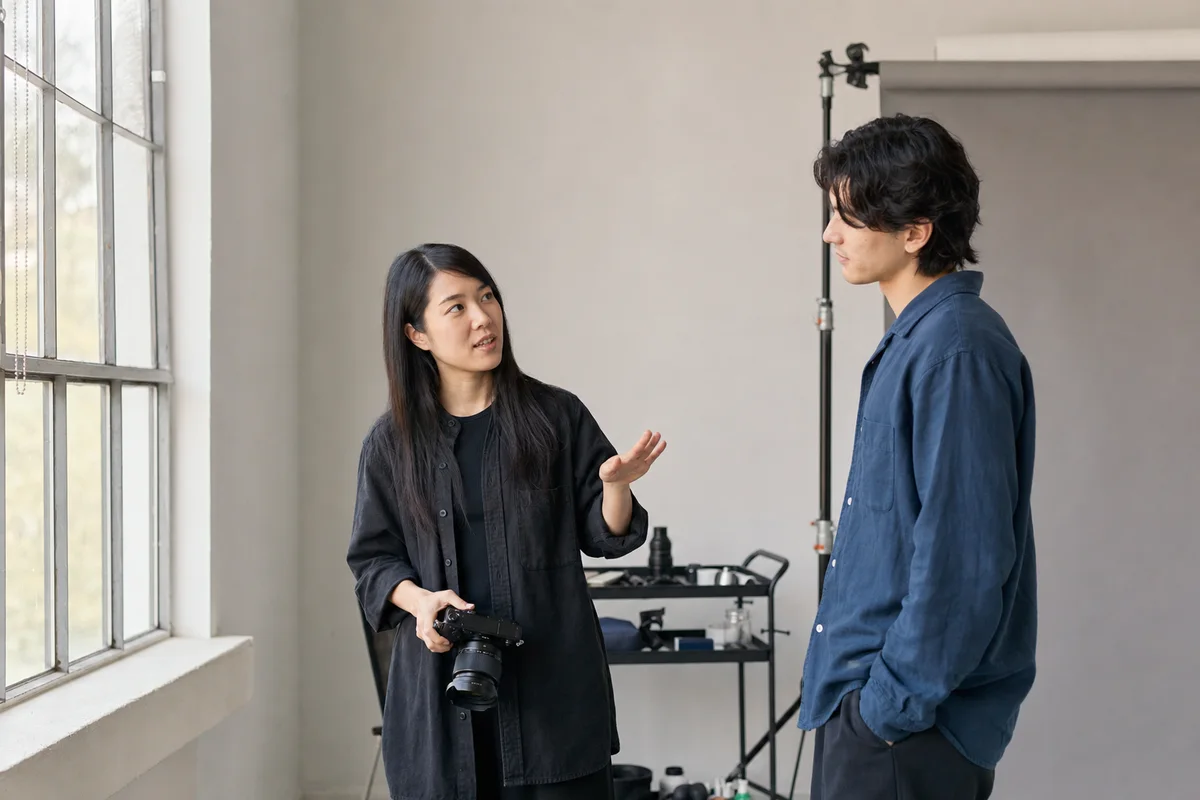
Compare pose, gaze, and subtle expression changes while keeping your own visual rhythm.
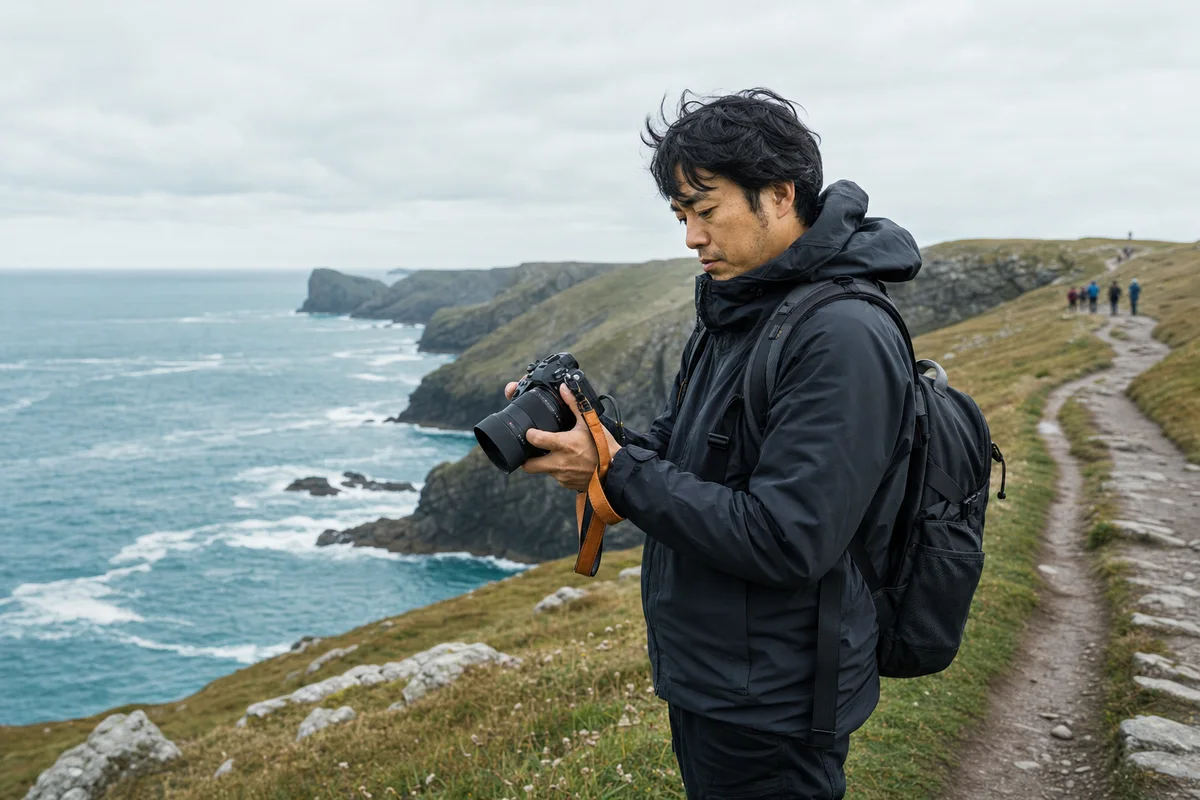
Organize repeated compositions and consecutive moments without building a complex catalog.
CullBench reads photos and organizes similar frames on your Mac. Photo content, previews, filenames, shooting information, and people information are not uploaded to a CullBench cloud for culling.
AI organizes and assists comparison; it never automatically deletes originals.
Crash reports and anonymous usage metrics can be disabled separately in App Settings.
Purchase, activation, and updates use the network; photo browsing and core analysis remain local.
Taxes may apply and are calculated by Paddle at checkout. Other regions see Paddle's localized total.
See local price and purchaseThe current stable release, with a more reliable in-app update, session restore, and public download path.
It does not upload photo content, previews, filenames, paths, shooting information, or people information for culling. Purchase, activation, updates, and optional diagnostics have separate documented network boundaries.
No. CullBench organizes similar groups and helps you compare. Pick, Rating, export, and the final decision remain yours.
No. CullBench opens Finder folders directly. Send the original files into the rest of your workflow after selection.
It supports common still formats and camera RAW that macOS Image I/O can decode. HEIC is treated as a still photo without its Live Photo companion video. See Download for exact boundaries.
No, and it does not renew automatically. After trial, existing review results can still be browsed and exported.
It covers two personal Macs, the purchased version and all 1.x updates, plus a fourteen-day refund request window after purchase.
Download the full trial and experience similar groups and keyboard review on your own folder.